Picture a contractor who ships a dashboard on time and on budget. Every feature on the spec sheet works. Then the agency’s accessibility tester unplugs the mouse, turns on a screen reader, and gets stuck on the login page. The deliverable goes back. Somebody skimmed the accessibility clause.
We hear some version of this more often than we’d like. Honestly, it’s why we nag federal contractors to think about Section 508 compliance at kickoff, before the first rejection lands. If your ICT (information and communication technology, in procurement-speak) isn’t accessible, you’re looking at bounced deliverables. Maybe corrective-action requirements too. Or a procurement delay, or a remediation bill that was never in anyone’s budget. The legal side matters. The contract side usually bites first.
Another mix-up we see: 508 isn’t the ADA (the Americans with Disabilities Act). Different law entirely. And landing one federal customer doesn’t suddenly drag every PDF and web page your company owns under 508, either. What you really owe comes down to a handful of things. The contract. The tech itself. Whatever the agency asks for. And how that ICT ends up getting used.
So What Does Section 508 Compliance Actually Require?
Strictly speaking, Section 508 (it lives inside the Rehabilitation Act) is aimed at federal agencies, not at you. They’re the ones on the hook for making covered ICT accessible to their employees, and to members of the public with disabilities, any time they develop, procure, maintain or use electronic and information technology. Section508.gov frames the aim as access to information that’s comparable to what people without disabilities get.
Where do contractors come in? Pretty much anywhere you’re supplying or supporting the tech. Web stuff first, obviously: sites, web apps, mobile apps, software, cloud platforms. Then documents. PDFs, spreadsheets, slide decks, the lot. Training systems and LMS platforms get pulled in as well. Then there’s video, webinars and other multimedia, plus hardware, kiosks and telecom. Even help-desk, hosting, maintenance and content-management services can land in scope.
The Revised 508 Standards cover web and non-web electronic content alike. Your PDF, your software interface and your website don’t live in separate accessibility universes. Each gets judged against whatever requirements match its content and function.
Here’s a misunderstanding we run into all the time. Contractors assume Section 508 reaches every internal tool they use (their HR portal, their ticketing system, the lot). Usually it doesn’t. What you should be asking is whether the technology is covered by federal procurement or agency-use requirements, and whether your contract spells out accessibility clauses, deliverables, testing obligations or representations.
Read the contract. Then read it again.
Most of the teeth in Section 508 come from federal accessibility requirements baked into agency procurement and technology rules. In a solicitation, that might look like a request to describe your accessibility features. Or to hand over test evidence, fill out an accessibility conformance report, or show how your product supports the Revised 508 Standards.
Before bidding, pull these documents and actually go through them:
- The solicitation and statement of work
- Every accessibility clause in the contract
- Performance work statements and technical requirements
- The agency’s own Section 508 policy, if it has one
- Deliverable and acceptance criteria
- Security, privacy, usability and records-management requirements
- Any accessibility test scripts or evaluation procedures the agency plans to use
One more thing. A sales rep telling you a product is “accessible” proves nothing. Contracting officials can test it themselves, demand remediation, or ask for evidence a lot more detailed than a generic accessibility statement.
508 Compliance vs WCAG (and Why That Question’s a Bit Off)
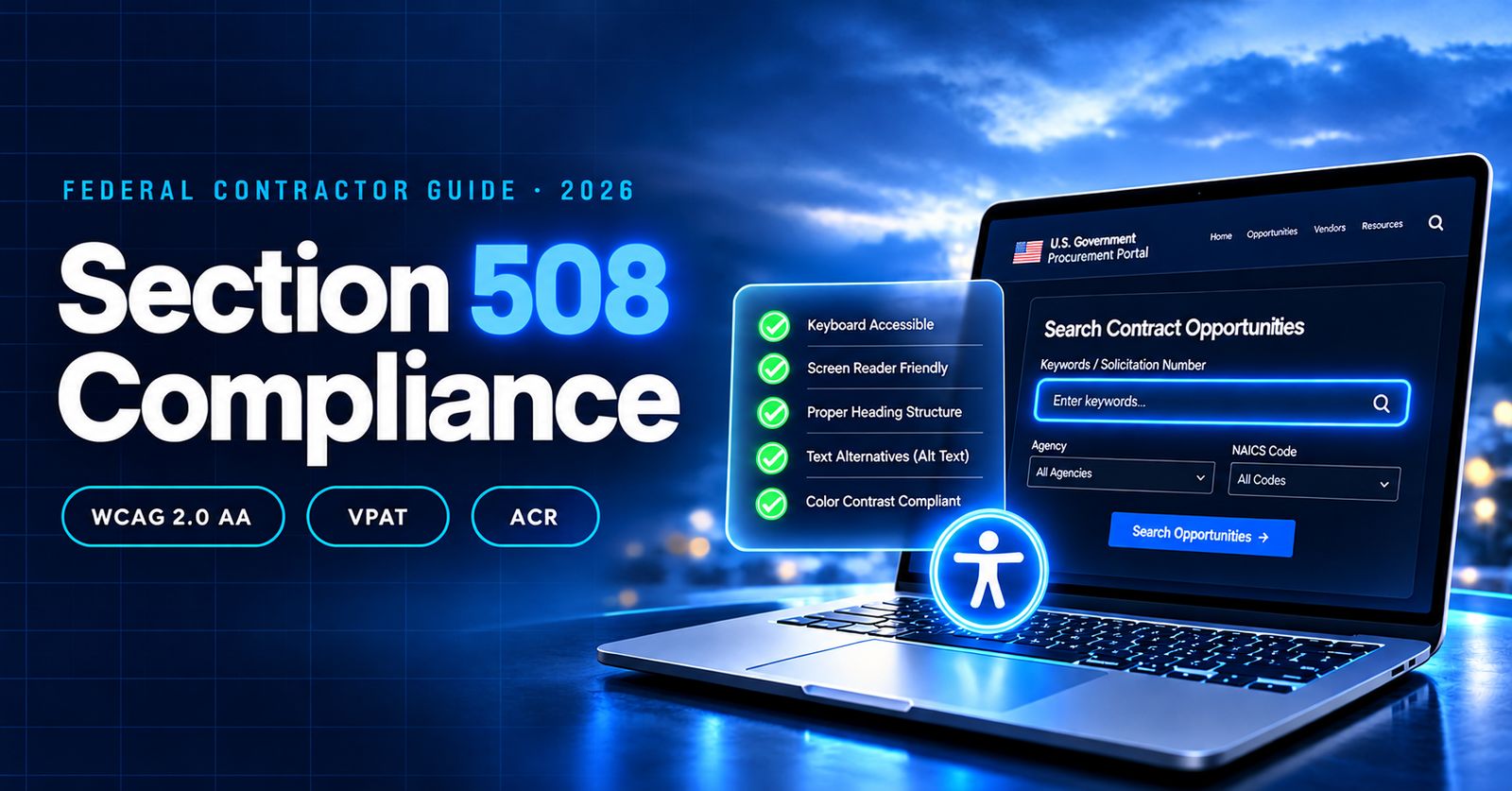
Short version? For covered web and electronic content, the Revised 508 Standards borrow WCAG 2.0 Level AA more or less wholesale, and then 508 piles its own extras on top. You don’t have to take our word for it. Section508.gov says the standards apply WCAG 2.0 Level AA success criteria and conformance requirements to web and non-web electronic content.
So the 508 compliance vs WCAG debate is a bit of a false choice. W3C (the World Wide Web Consortium) wrote WCAG as a technical spec. Section 508, on the other hand, is a U.S. federal law, and it lifts some of those criteria, then bolts on its own rules for scoping, procurement, documentation and ICT. The way we put it to clients: WCAG’s the tape measure. 508 is the inspector deciding where you point it.
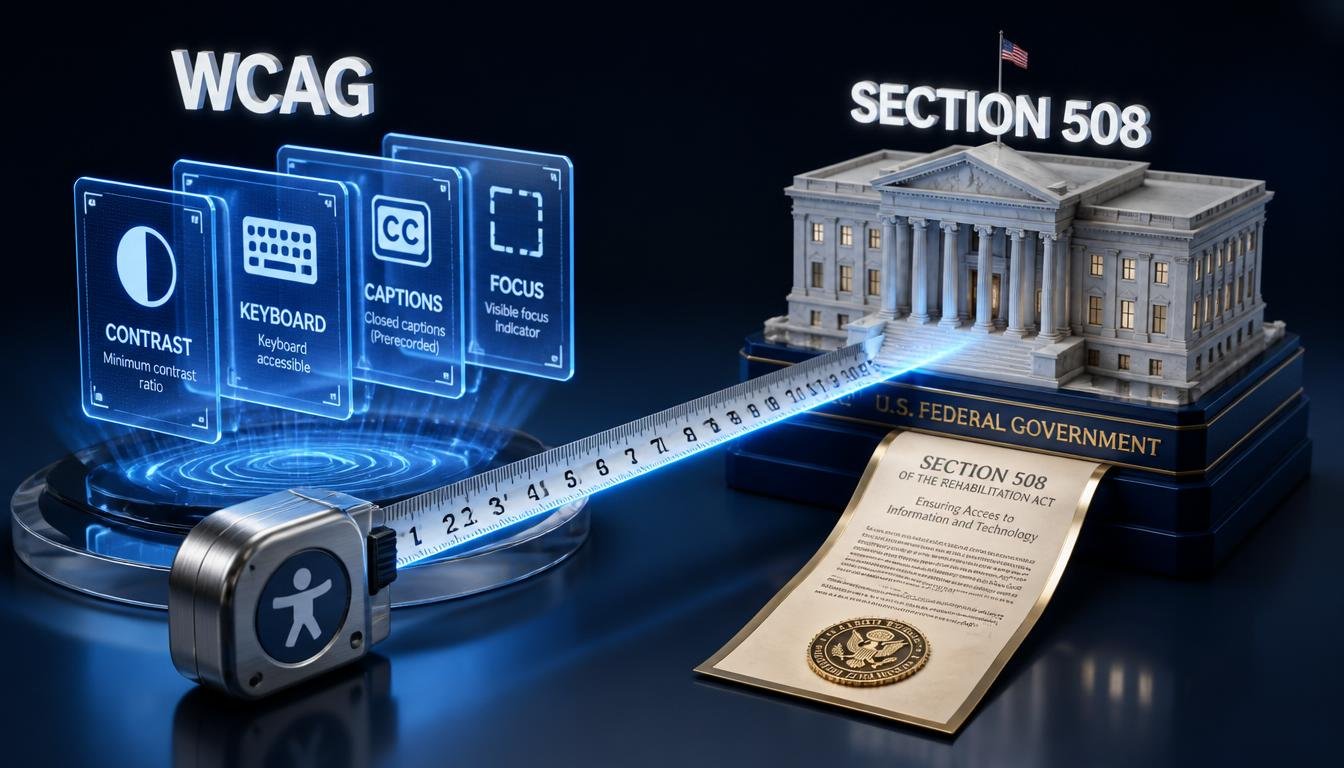
Where does WCAG 2.2 fit? It’s the current W3C Recommendation, and W3C says it adds nine success criteria beyond WCAG 2.1. The new ones deal with things like focus appearance, dragging movements, target size, consistent help, accessible authentication and redundant entry.
Should you build to WCAG 2.2 anyway?
Yes. We’d push any client toward it. Just don’t let it blur your contractual baseline. Say your contract names the Revised 508 Standards. A line in the proposal claiming “we meet WCAG 2.2” won’t cover you there, and reviewers who do this for a living catch that swap fast.
Here’s how we’d handle it. Pin down which standard the contract actually names, then line up the 508 requirements against the matching WCAG success criteria (a plain spreadsheet does the job). Test against that baseline first. Log any WCAG 2.2 wins separately, as extra credit. And write down every exception, limitation and remediation plan as you go, because you’ll need them later.
For scale, W3C’s WCAG overview counts 86 success criteria across Levels A, AA and AAA. Section 508 doesn’t ask for blanket AAA. Most of the time you’re working to the A and AA criteria folded into the Revised 508 Standards.
Why Contractors End Up Under the Microscope
Technically, buying accessible ICT is the agency’s job. In reality, contractors build it, configure it, fill it with content, host it and keep it running. Which means your dev and QA habits become the agency’s compliance risk, whether anyone signed up for that or not.
Barriers creep in from odd places. A vendor tool ships with inaccessible defaults. A developer builds a slick custom dropdown that a keyboard can’t open. Someone uploads forty untagged PDFs on a Friday afternoon. Marketing posts a webinar recording with no captions. A minor software update breaks focus handling that worked fine last month. Or procurement signs off on a vendor’s vague accessibility claim because nobody had time to test it.
And the risk isn’t limited to Section 508. UsableNet’s 2025 Year-End Digital Accessibility Lawsuit Report looked at more than 5,000 ADA-related digital accessibility lawsuits filed in federal and state courts during 2025, and WCAG 2.1 AA was the standard plaintiffs asked for most often.
Those were mostly ADA and state-law cases, not Section 508 claims. But you can see which way things are moving. ICT accessibility has turned into ongoing engineering and governance work. Teams that still treat it as a one-time procurement form are the ones who get caught out.
A Section 508 Checklist for Federal Contractors
Here’s the Section 508 checklist we’d walk through on any federal project, from bid to delivery. It won’t cover every edge case. It does cover the places contractors trip most.
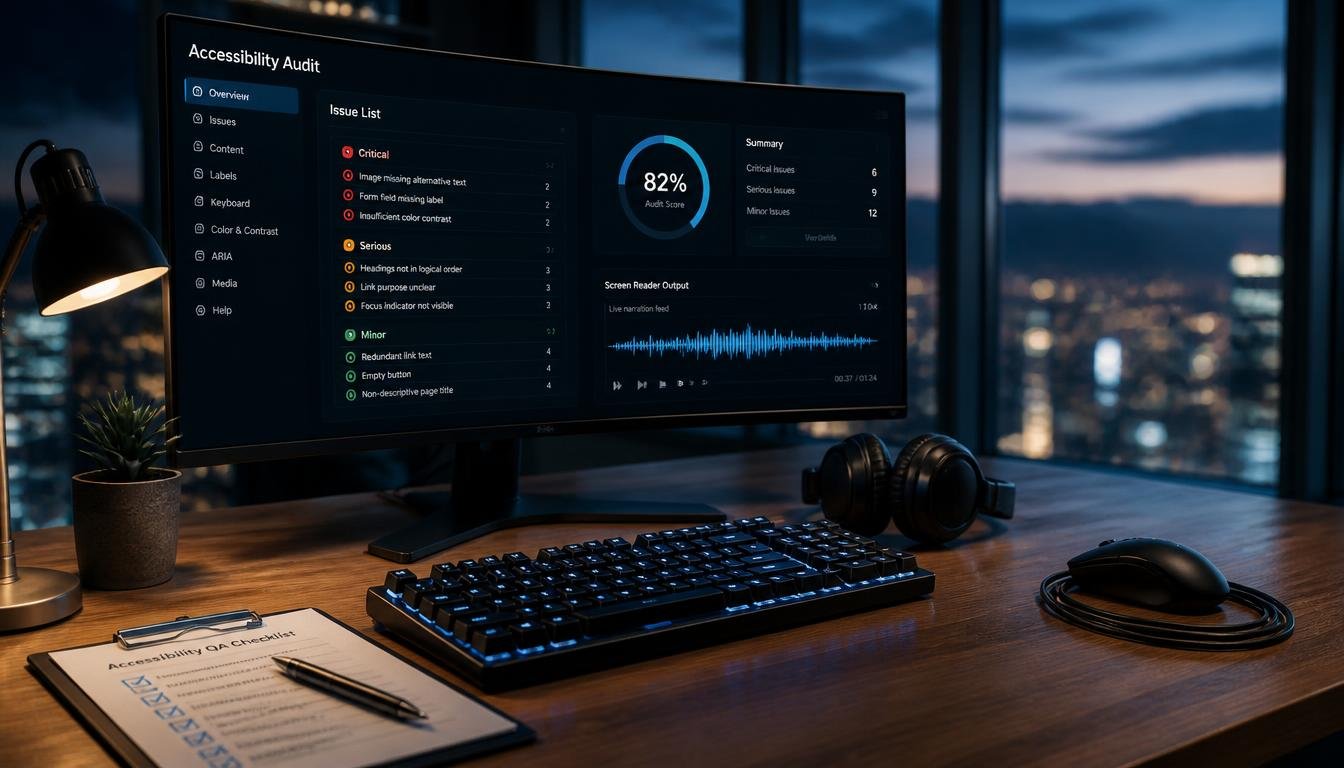
Nail down the scope first
Write out every product, service, document, interface and content type in the contract. Don’t forget pieces built by subcontractors or pulled in from third-party vendors. If their component fails, the agency still sees your deliverable failing.
A few questions to settle early. Who uses this: the public, federal employees, or both? Are we talking web, mobile, software, documents, hardware, multimedia, or a combination? Is your testing limited to your own product, or does it cover the whole implementation? Are legacy systems part of the deal? And has the agency added its own accessibility rules to the contract?
Give one person the keys
Pick an accessibility owner with real authority over design, development, content, procurement and QA. What doesn’t work is dumping it on a single developer who can’t touch the PDFs, the videos or the third-party plugins.
This person interprets the contract requirements and signs off on accessibility documentation. They coordinate user testing and push back on shaky vendor claims. Defect tracking and remediation priorities sit with them as well, and so does the awkward job of telling the contracting officer about risks early.
Bake it into the design
Settle your accessible patterns before the first line of code gets written. Navigation, forms, dialogs, tables, error messages, authentication, status updates. All of it.
A custom modal is a good test case. It needs a meaningful accessible name. When it opens, focus moves inside. While it’s open, focus stays there. When it closes, focus goes back to the button that opened it. A design review that only looks at colors and font sizes will miss all four.
Unplug the mouse
Run every core workflow with a keyboard alone. Can you reach every button and link? Can you see where focus is at all times? Can you fill in the form, fix a mistake and actually submit? If the answer to any of those is “sort of,” you’ve found work.
Automated scans help, so run them. Then do the manual part. That means keyboard-only passes and screen readers, browser zoom and text resizing, high-contrast and forced-color modes, and mobile accessibility tools. Caption and transcript checks belong here too, along with color and contrast review.
Scanners are decent at catching missing labels, duplicate IDs, contrast problems and a slice of structural defects. What they can’t judge is whether a screen reader user can follow the workflow, or whether the focus order is sane. You need a person for that.
Documents and video are where projects quietly fail
For PDFs, look at tagging and reading order first. After that come headings, lists, table headers, language metadata, bookmarks, links, form fields and alt text that actually means something. A big pile of legacy files is usually a job for dedicated PDF remediation rather than something your team squeezes in between sprints.
Video needs accurate captions. Check them for speaker IDs, sound effects, timing and technical terms (auto-captions and agency acronyms rarely get along). Transcripts are worth adding too, especially for training, policy and instructional content.
Write up findings as if someone will check them
Someone will. For each issue, record where it lives (URL, screen, document or component), which success criterion or 508 requirement it breaks, and how it affects the user. Add severity and business priority, steps to reproduce, the recommended fix, an owner, a due date and whether the fix has been verified.
“The site passed an accessibility scan” isn’t evidence. It’s a sentence.
VPATs, ACRs and What Procurement Actually Wants
Federal buyers regularly ask for a Voluntary Product Accessibility Template, the VPAT. Section508.gov calls it the industry-standard template for making product accessibility claims.
Worth being clear about: a VPAT isn’t a certification or a warranty, and it doesn’t prove compliance on its own. It’s the template you fill in to create an Accessibility Conformance Report (ACR), which should honestly describe how the product supports each applicable requirement. Teams without spare capacity often bring in VPAT services so the ACR rests on real testing instead of optimism.
A credible ACR names the product and version tested, plus the evaluation methods and dates. It separates full support from partial support and non-support. Known limitations get explained, workarounds or equivalent facilitation get named, and the major user workflows and relevant third-party components are covered. What it never does is say “fully compliant” while defects are still open.
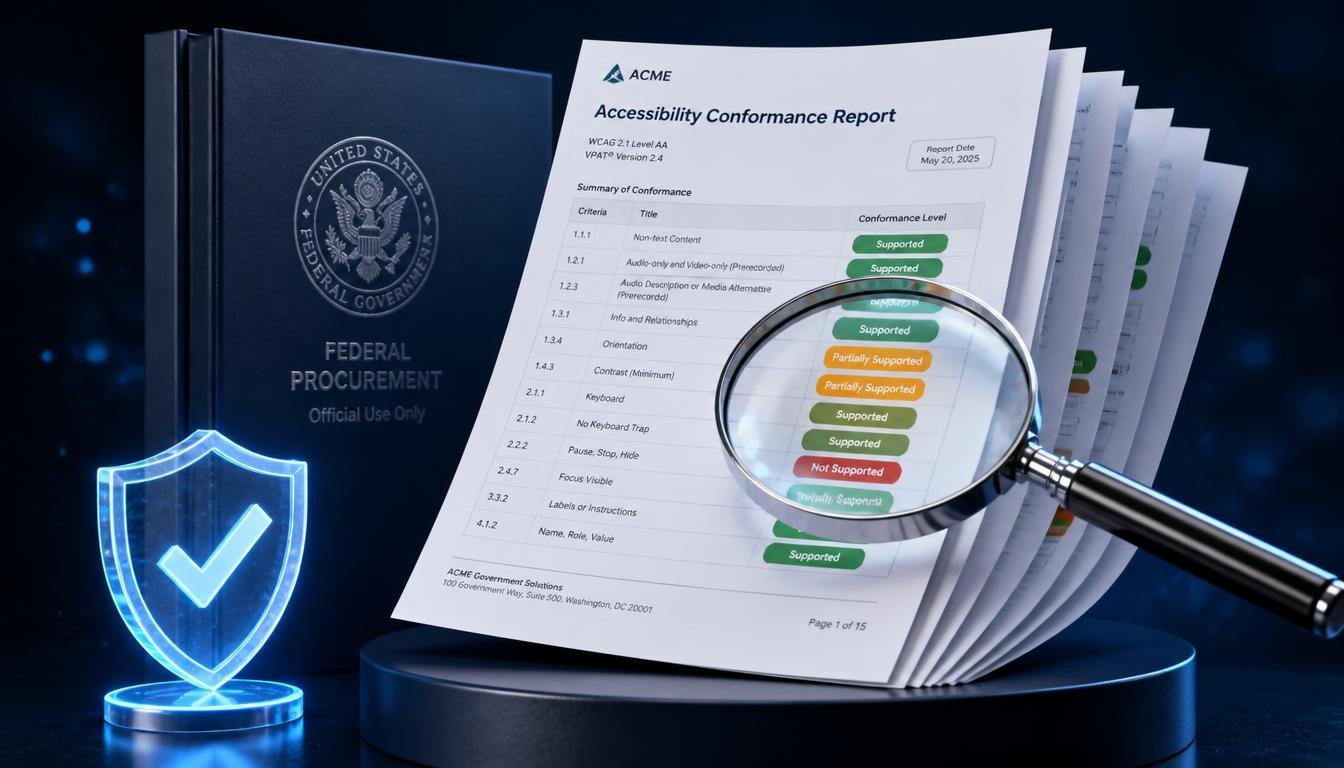
Smart procurement teams compare the ACR with how the product really behaves. Mark a criterion “partially supports” and your proposal should explain the impact, the fix and the timeline. Burying that in jargon rarely gets past a careful reviewer, and it costs you trust you’ll want later.
What about exceptions?
Section 508 does allow a few, including undue burden and fundamental alteration. Per Section508.gov, a responsible agency official has to document the basis for deciding that conformance would impose an undue burden or cause a fundamental alteration.
Note who makes that call. Not you. If you think an exception applies, document the technical limitation, the business impact, the cost and effort, the alternatives you looked at and the alternative access you’re offering. Then hand it to the agency to decide.
2026 Deadlines and Other Laws in the Mix
Section 508 gets confused with a couple of other accessibility rules that affect contractors and the customers they serve.
DOJ Title II deadlines
The DOJ’s 2026 interim final rule moved the web and mobile app compliance date for state and local government entities with populations of 50,000 or more to April 26, 2027. It had been April 24, 2026. Smaller public entities and special districts got pushed to April 26, 2028.
That’s ADA Title II, which covers public entities. It doesn’t replace your Section 508 obligations on federal contracts. Still, if you do state or local work too, expect WCAG 2.1 Level AA to appear in implementation contracts, remediation projects and tech procurements. Contractors in both camps are better off treating government website accessibility as one discipline with two rulebooks.
European Accessibility Act
The European Accessibility Act has applied since June 28, 2025. According to the European Commission, it covers products and services including computers, phones, e-books, banking services and electronic communications.
Selling covered products or services into the EU? The EAA may apply to you. Being solid on Section 508 compliance won’t automatically get you there, since the legal scope, product categories, market obligations and conformity rules are all different.
One program beats five side projects
If you work across federal, state, commercial and international customers, run a single accessibility program and add customer-specific requirements on top. Less duplicated work, and each engagement still gets the right legal and contractual baseline. We’ve watched companies run separate accessibility efforts for each customer type. It’s tiring, and the gaps between those efforts are exactly where defects slip through.
Building a Program That Survives a Real Review
Policy only matters if it shows up in day-to-day delivery. Otherwise it’s a PDF on a shared drive (hopefully a tagged one).
Start by writing down which standard your organization supports. That could be the Revised 508 Standards, WCAG 2.2 Level AA for commercial products, or a baseline set by a specific contract. Next, decide how those requirements show up in design reviews and code review, in content publishing and procurement, and in release approval and incident response.
A release process that holds up tends to go like this. Requirements get identified during discovery. Designers and developers pick accessible patterns, and components are tested before they’re integrated. End-to-end workflows get tested next, and critical barriers are fixed before anything ships. Whatever limitations remain are written down along with who accepted the risk. After fixes and major updates, you retest. And someone keeps watching production content and third-party changes, because they will change.
Training can’t stop at developers. Designers need accessible interaction patterns. Content folks need guidance on documents and headings, marketers need caption and alt text habits, and procurement needs to know how to read an ACR with a skeptical eye. Leadership needs visibility into open risks before those risks turn into a contract dispute.
Best of all, bring people with disabilities into usability testing whenever you can. A conformance test confirms a button has a label. A real user tells you whether that label makes any sense, and whether the task works for them.
Frequently Asked Questions
Does Section 508 apply to every federal contractor?
No. It depends on your contract, the ICT you’re building or supplying, and the agency’s procurement requirements. Check the solicitation, clauses, deliverables and agency policy rather than assuming your whole operation is covered the same way.
Is WCAG 2.2 required for Section 508?
Not by default. The Revised 508 Standards incorporate WCAG 2.0 Level AA criteria for covered content, and some contracts or agencies add more on top. WCAG 2.2 makes a good modern target. It just doesn’t replace the Section 508 baseline unless your contract says it does.
Is a VPAT the same as a certification?
No. It’s a template used to prepare an Accessibility Conformance Report, and that report should lay out the product’s level of support, its limitations, testing methods and the requirements that apply. There’s no government stamp involved.
Can an accessibility overlay make a product Section 508 compliant?
Don’t count on it. An overlay isn’t a substitute for accessible code, content, design and testing. Some automated tools can flag or patch a narrow set of issues, but you’ll still have to test core workflows and fix the barriers in the product itself.
Where to Go From Here
Section 508 compliance in 2026 is a lot more than a document stapled to a proposal. Know what your contract asks for, map it to the right technical standard, and test the workflows real users depend on. Keep the ACR honest. Keep monitoring after launch.
Working on a federal proposal, or need proof of accessibility before a deliverable review? Request a free accessibility assessment from Access Level Up and we’ll show you where you stand.